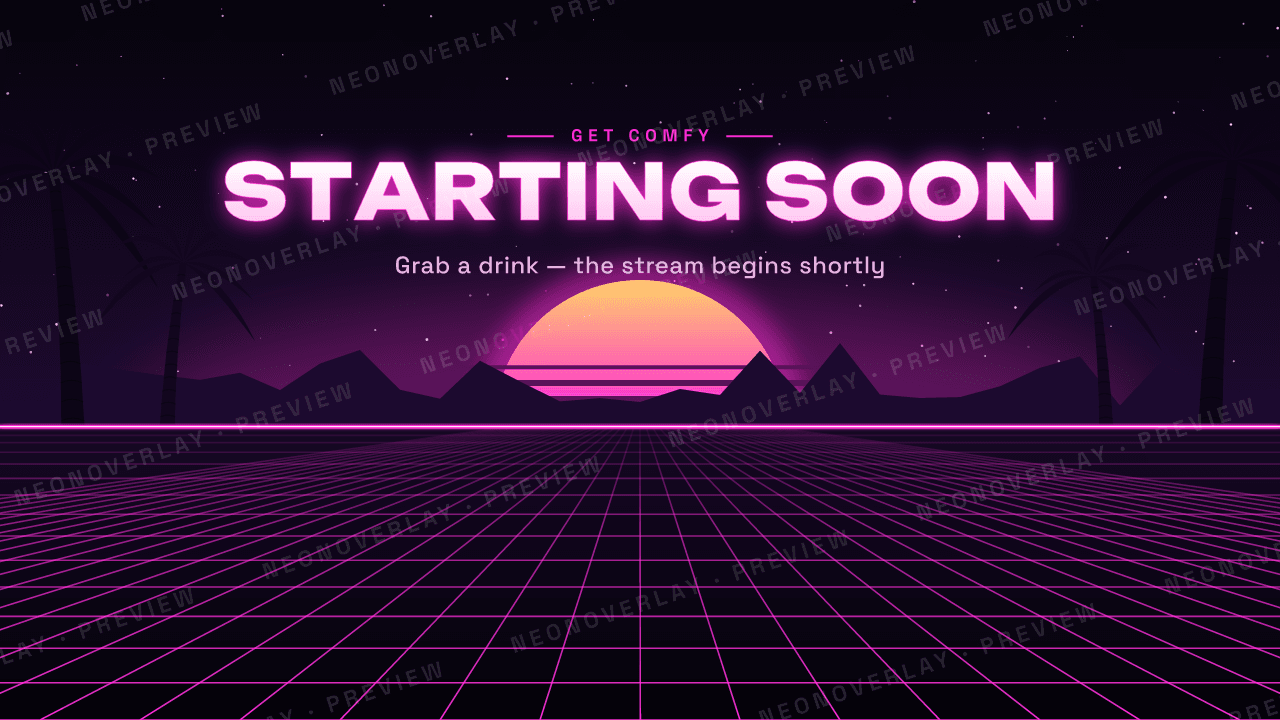
Previews are watermarked and downscaled. Purchased files are full resolution without watermarks.
NEON NIGHTS THEME
Starter Pack
$4.99 USD · tax included
Everything a new channel needs to look professional on day one: three full-screen scenes and a matching webcam frame in the signature Neon Nights style, a synthwave sunset over a glowing grid.
- Files10 files
- DownloadZIP · 2.0 MB
- FormatsPNG, SVG
- Resolution1920×1080 Full HD
Personal streaming license for one channel. Read the license.
What's included
- Starting Soon screen1920×1080 PNG + SVG
- Be Right Back screen1920×1080 PNG + SVG
- Stream Ending screen1920×1080 PNG + SVG
- Webcam frame (16:9)Transparent PNG + SVG
- Bonus: background without text1920×1080, add your own text in OBS
Set up in minutes
- 1. Unzip the download. Files are sorted into Screens, Webcam Frames, Overlays and Panels.
- 2. In OBS or Streamlabs, add an Image source and pick a PNG. Right-click → Transform → Fit to screen.
- 3. Webcam frames: place the frame above your camera source and size the camera to fit inside.
A step-by-step README is included in every ZIP.
More from the collection
Full channel kit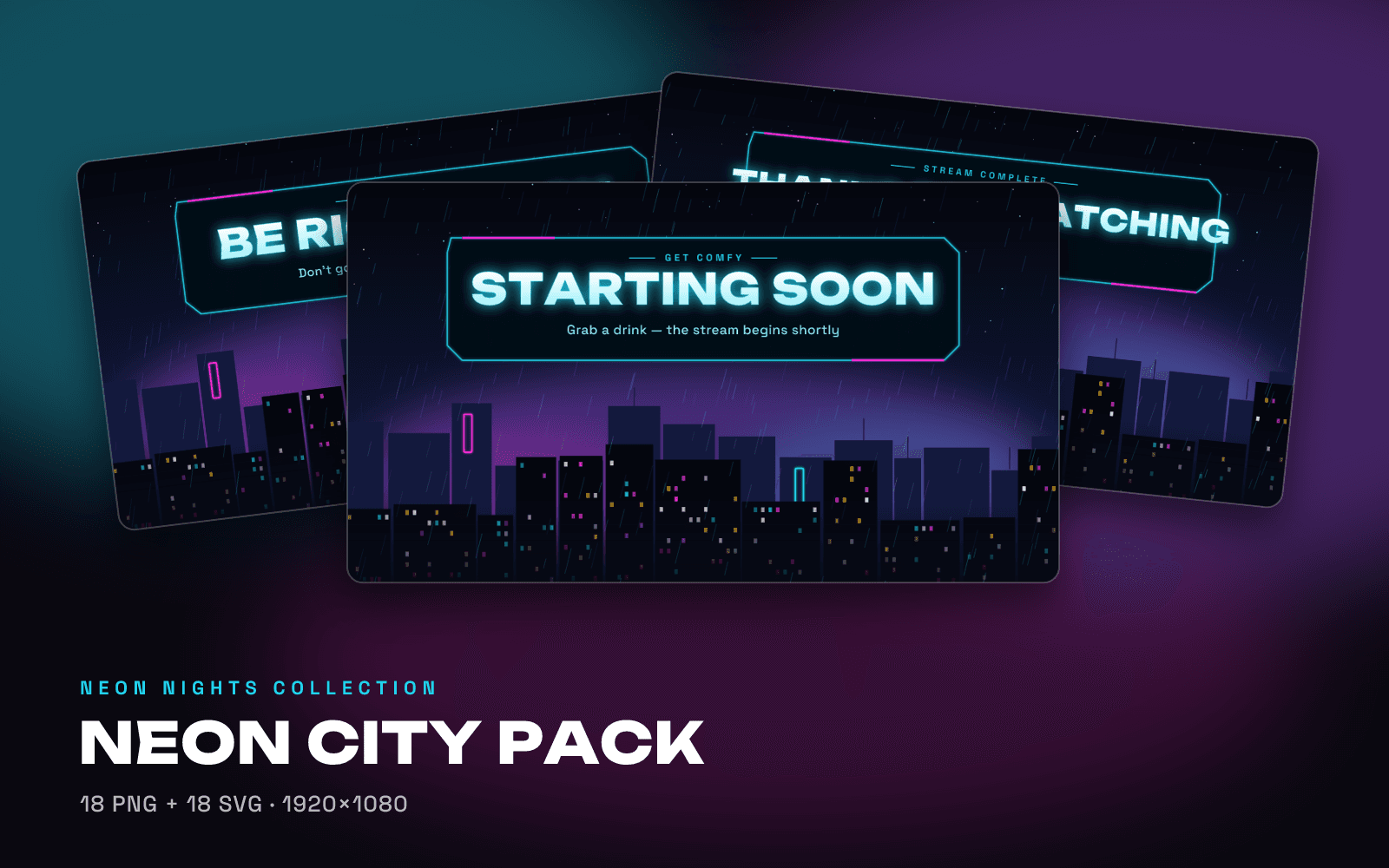 Best value
NEON CITY THEME
Neon City Pack
$12.99A complete matching channel look: scenes, frames, overlays and panels.
- 5 scenes + text-free background
- 3 webcam frame shapes
- Gameplay, alert & chat frames
- 6 channel panels
View pack
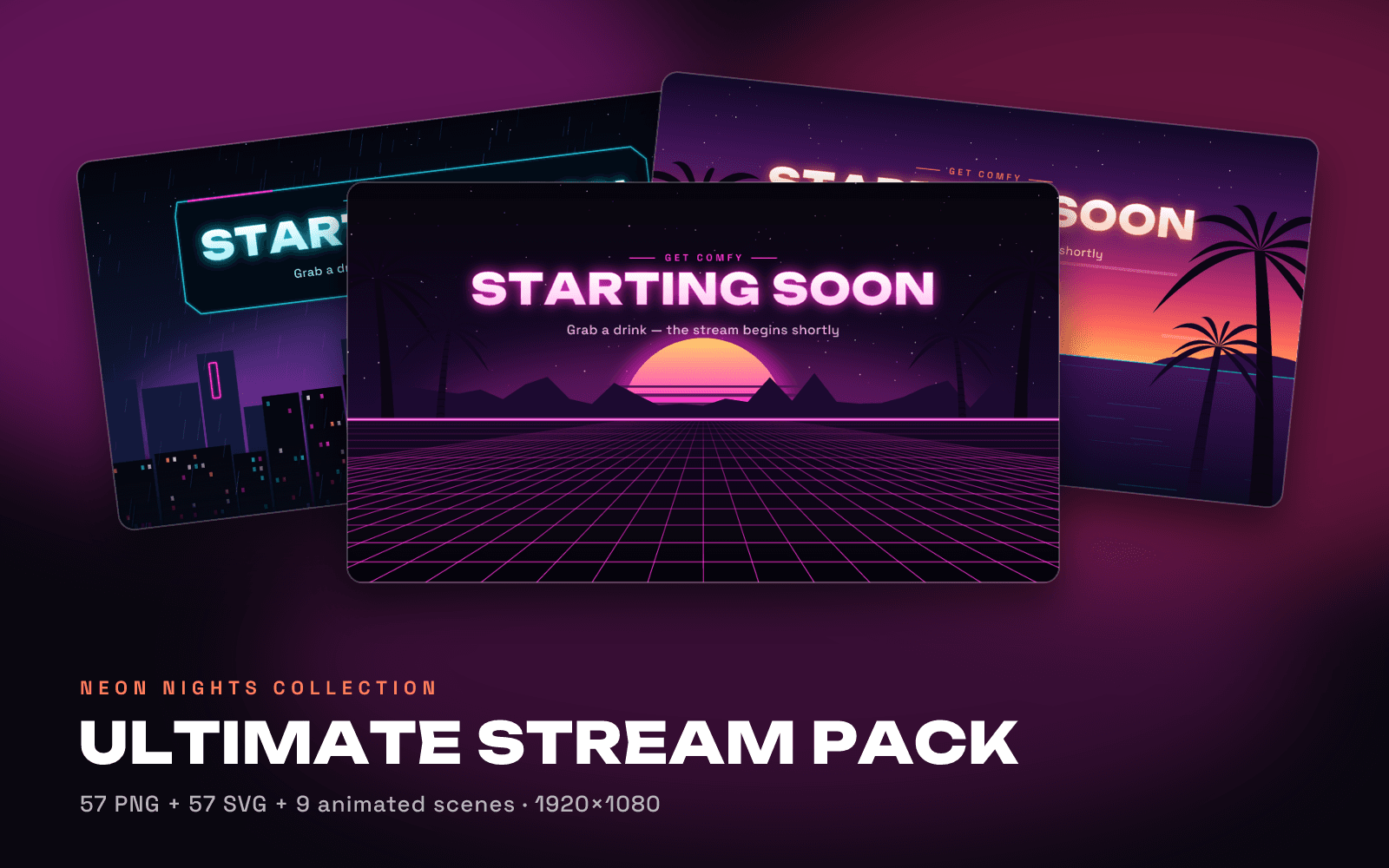
NEON NIGHTS + NEON CITY + PALM DRIVE
Ultimate Stream Pack
$24.99Three complete themes plus animated scenes: the whole collection.
- 3 complete themes
- Exclusive Palm Drive theme
- 9 animated scenes (HTML/CSS)
- Countdown timer & custom text
- Lower thirds, chat & alert frames
View pack